Blender 2.5 texture node problem

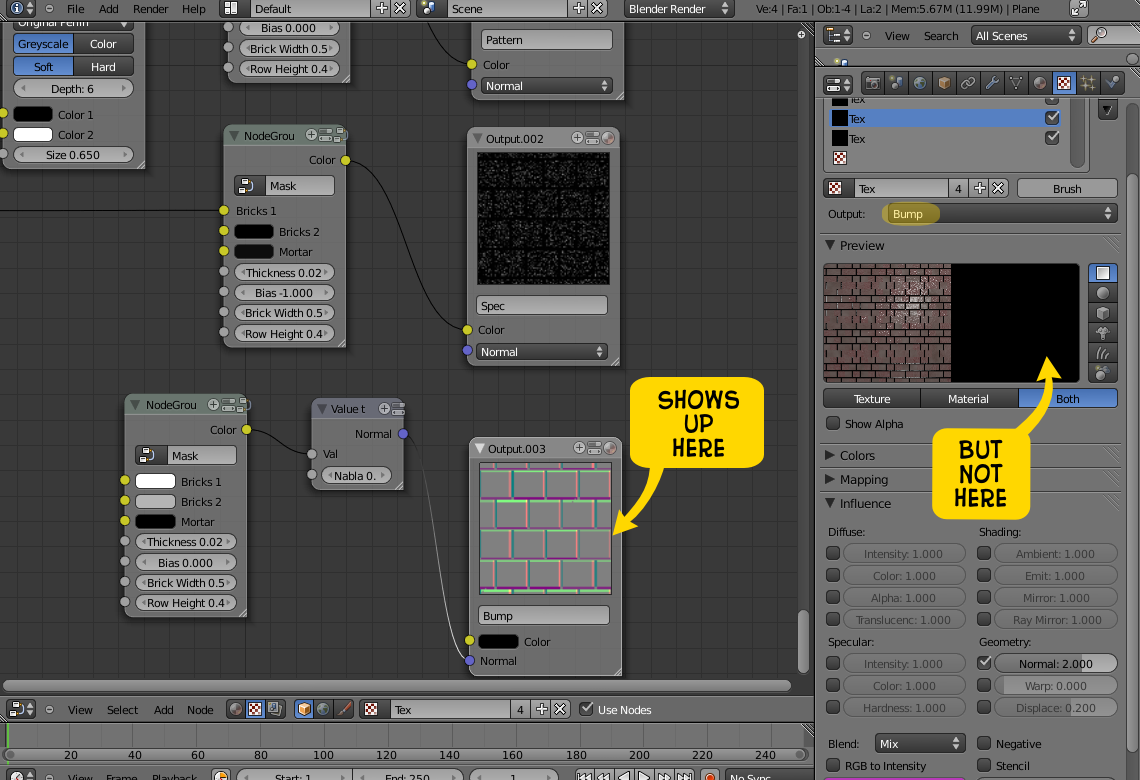
I’m following Andrew Price’s Introduction to Texture Nodes tutorial and applying it to Blender 2.5. Everything seems to be working except the Bump map portion. For some reason, it doesn’t seem to apply in the texture channel even though I can see it correctly (as far as I know) in the node editor. A screen cap is below (click the image for a larger view):

Blender 2.5 Nodes Problem

Blender 2.5 Nodes Problem

I didn’t put up a screen cap of the other three channels because they all display properly. I realize that this may just be an “alpha” problem, but if it isn’t, anybody know what I may be doing wrong or what the problem is?

Late night Blender play

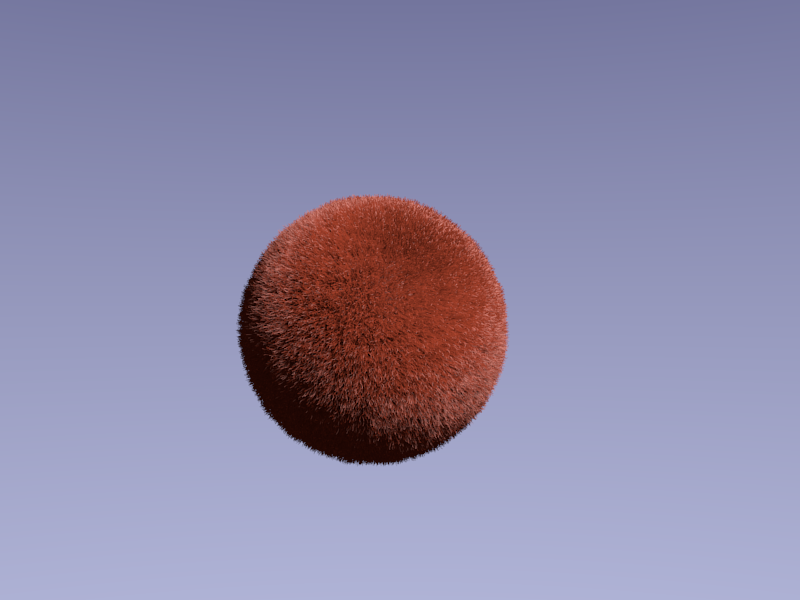
Here’s my first go at the whole hair thing:

Hair Ball

Hair Ball

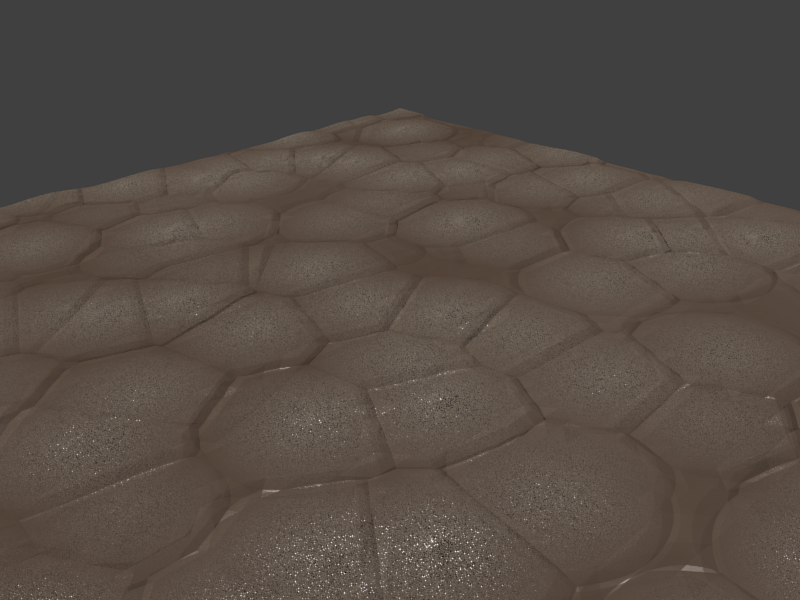
And here’s the final result (so far) of my attempt to make a cobblestone street with purely procedural textures and the material and texture nodes. Not quite there, but on the right track.

Cobblestones, shmobblestones

Cobblestones, shmobblestones

Nebular woes

I’m trying to adapt Colin Litster’s classic nebula tutorial (PDF) to Blender 2.5 alpha 2 and, so far, the gaseous effect isn’t happening. I suspect that maybe the texture isn’t being applied to the mesh properly: the overall glow and alpha parts look right, but it lacks any wispy, nebulous appearance.

Nebula Woes

Nebula Woes

Okay, with the render emitter option off, it gets better:

Getting better

Getting better.

Here’s the basic idea. It needs a fair amount of work to look really good, but the concept is there:

Beginnings…

Taking another stab at Blender. This is a test of a small piece of something larger. In this case, I’m trying to make something that looks like old brass. I’ve got quite a bit to figure out. :D

Kinda sorta brassy?

A test render from a Blender project, using Blender 2.5.

After some additional fiddling, the weathered part is better, but still not quite like brass.

More weathered?

A little more weathered looking, but still not brassy enough.

Click to view even more attempts!