I finally posted the animated book trailer for Creepspace: The Witch Game over on the Creepspace YouTube channel:
Page 9 of 11
I just got my first KoolMoves-authored Air for Android app loaded and running on my emulator. It’s not a real app in that it doesn’t really do anything, but it did allow me to work out the kinks in my tool chain (and you really don’t want kinks in your tool chain).
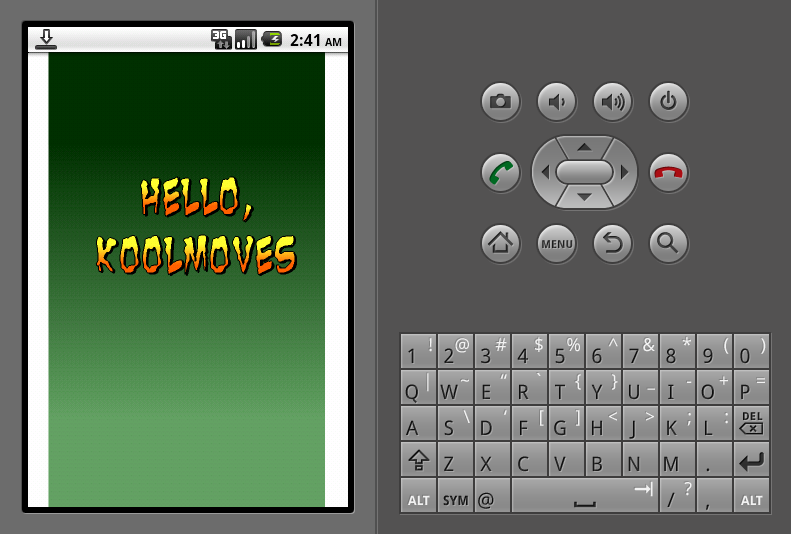
Hello KoolMoves on the Android emulator
More to come…
I’m following Andrew Price’s Introduction to Texture Nodes tutorial and applying it to Blender 2.5. Everything seems to be working except the Bump map portion. For some reason, it doesn’t seem to apply in the texture channel even though I can see it correctly (as far as I know) in the node editor. A screen cap is below (click the image for a larger view):
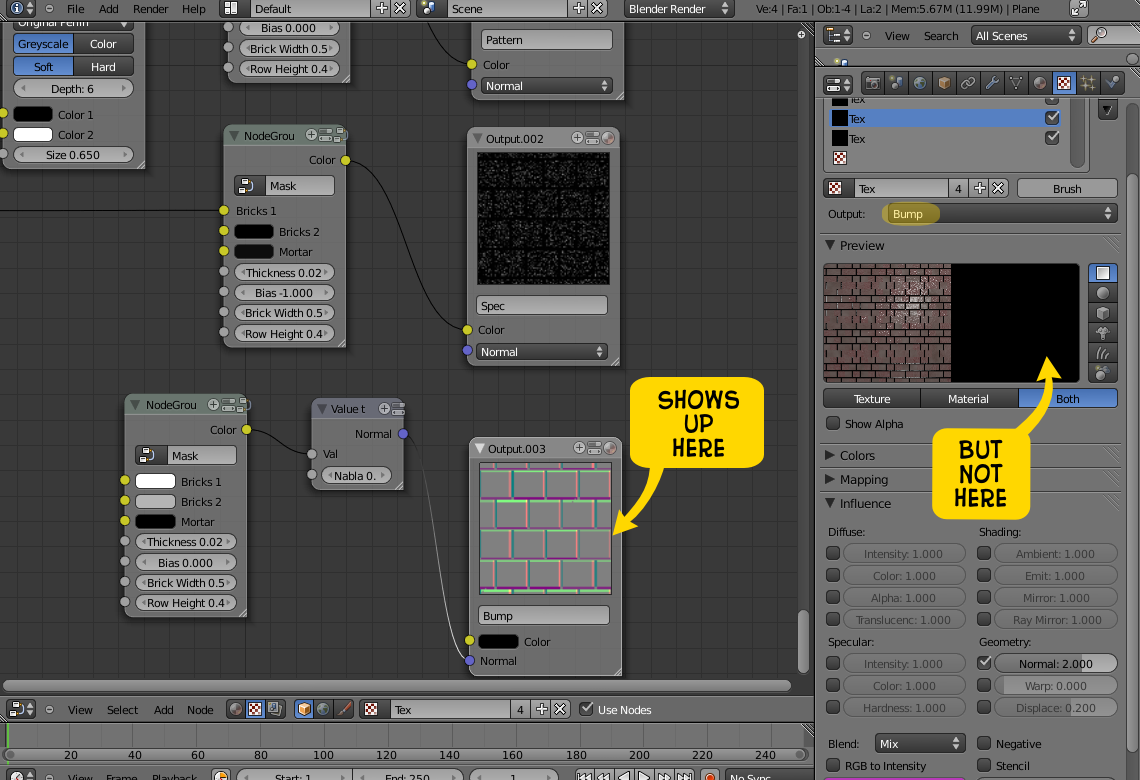
Blender 2.5 Nodes Problem
I didn’t put up a screen cap of the other three channels because they all display properly. I realize that this may just be an “alpha” problem, but if it isn’t, anybody know what I may be doing wrong or what the problem is?
Here’s my first go at the whole hair thing:
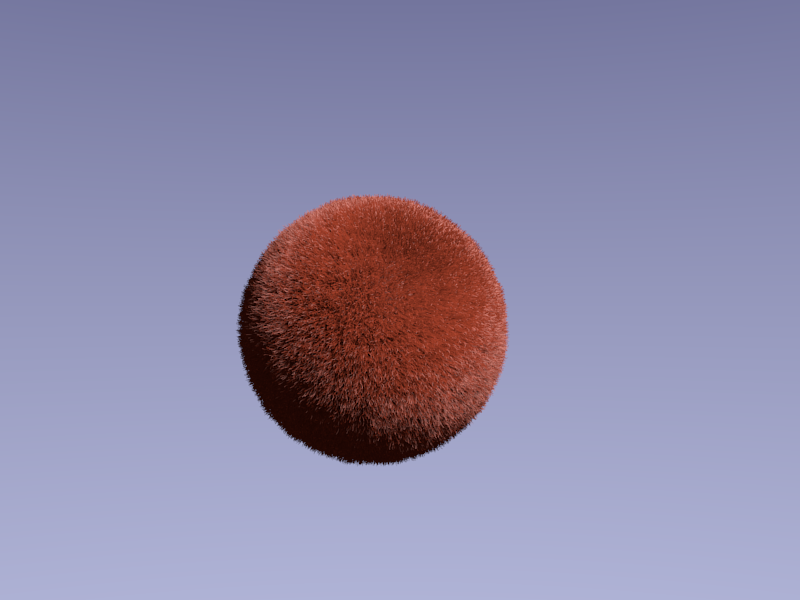
Hair Ball
And here’s the final result (so far) of my attempt to make a cobblestone street with purely procedural textures and the material and texture nodes. Not quite there, but on the right track.
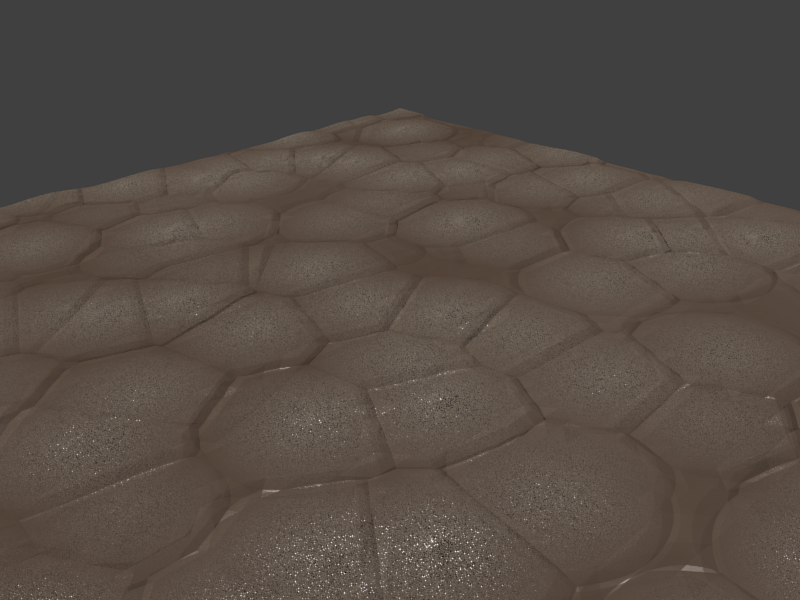
Cobblestones, shmobblestones
I’m trying to adapt Colin Litster’s classic nebula tutorial (PDF) to Blender 2.5 alpha 2 and, so far, the gaseous effect isn’t happening. I suspect that maybe the texture isn’t being applied to the mesh properly: the overall glow and alpha parts look right, but it lacks any wispy, nebulous appearance.
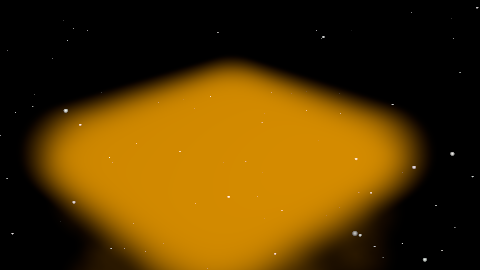
Nebula Woes
Okay, with the render emitter option off, it gets better:
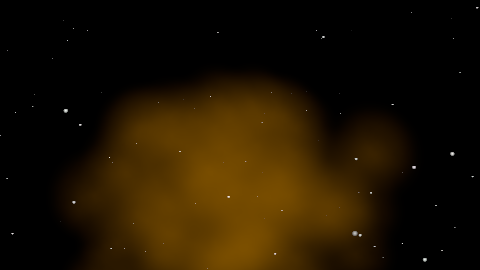
Getting better.
Here’s the basic idea. It needs a fair amount of work to look really good, but the concept is there:
Gallery
-

- Creepspace: The Witch Game